AI Hacks for Kids’ Activity Clubs: Practical Ways to Save Time, Create Content and Work Smarter
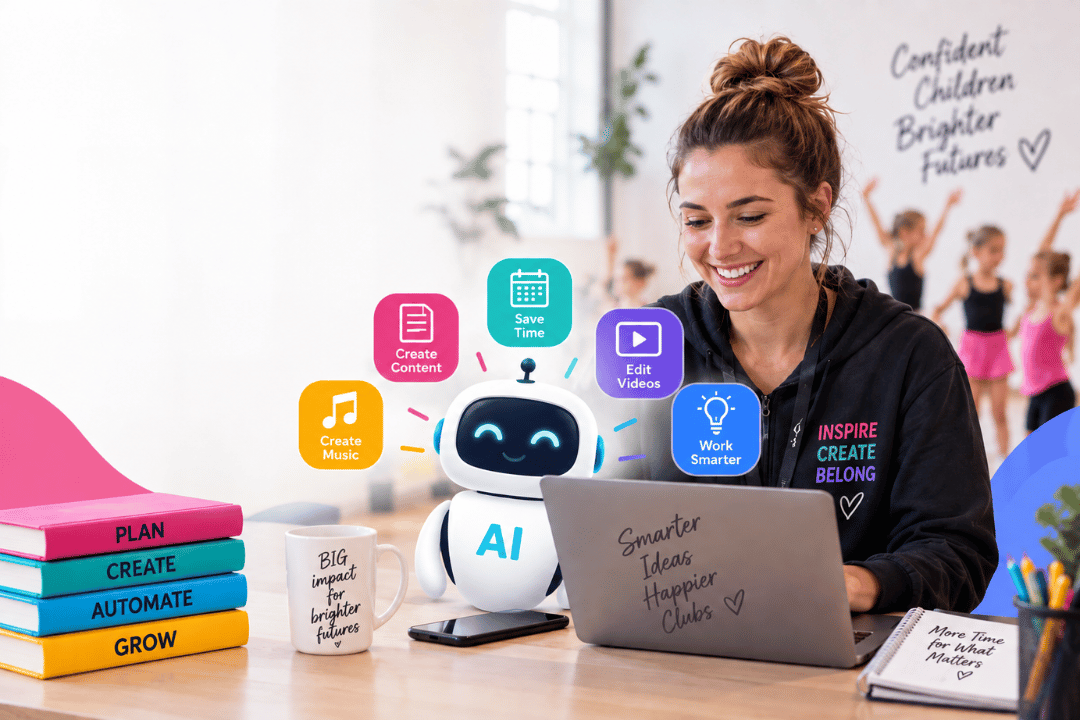
Artificial intelligence is developing at an incredible pace, but for children’s activity providers, the biggest opportunity isn’t necessarily keeping up with every new AI tool. It’s finding practical ways to use AI to save time, reduce admin and make everyday tasks easier.
That was the focus of ICAP’s recent AI Hacks for Kids’ Activity Clubs webinar, delivered by Steven Young, Events and Partnerships Manager at ClassForKids.
The session explored practical ways AI can support children’s activity businesses from creating marketing content and planning social media to editing videos, generating music and even building simple digital tools without traditional coding skills.
Here are some of the key ideas and example AI tools explored during the session.
AI can be more than a writing assistant
One of the most common uses of AI is writing emails, social media posts and marketing copy. But there are many other ways it can support your business.
Think of AI as a virtual member of your team that can take on different roles depending on what you need.
For example, you could use AI as a:
- Marketing assistant
- Booking and scheduling assistant
- Outreach assistant
- Content producer
- Video strategist
- Brainstorming partner
The more information you provide, the more useful the response can become.
For a marketing task, that might include telling the AI about your business, your audience, your location, the activity you offer, the tone you want to use and the action you want parents to take.
💡 Example AI tool: ChatGPT
ChatGPT can be used for a wide range of everyday business tasks, including drafting emails, creating social media content, planning campaigns, brainstorming ideas and helping structure business processes.
The key is not simply asking AI to do something, but giving it enough context to understand what you need, who you’re trying to reach and what you want to achieve.
Better prompts lead to better results
If your prompt simply says “write a Facebook post”, you may get something generic.
Instead, give the AI the context it needs. Tell it who it is, what you want it to achieve, who it is speaking to and what your brand sounds like.
The more detail you provide, the more relevant and useful the output is likely to be.
Create your own AI assistant
One of the most useful ideas explored during the webinar was creating a Custom GPT around a particular business or task.
A Custom GPT can be supplied with relevant business information and documents, allowing it to work from a consistent set of knowledge rather than starting from scratch every time.
You could provide information about your:
- Brand and tone of voice
- Services and classes
- Marketing materials
- Policies
- Timetables
- Business processes
This can be particularly useful if several members of your team are creating marketing or communications content.
Rather than having five people write in five completely different styles, a shared AI assistant can help everyone work from the same information and maintain a consistent tone.
💡 Example AI tool: Custom GPTs
You could create a dedicated AI assistant for your own activity business and give it the information it needs to understand your brand, services and ways of working.
The result could be a more consistent starting point whenever your team needs help with content or communications.
Make social media planning easier
Coming up with fresh content every week can be challenging when you’re already busy running classes, managing staff and looking after customers.
AI can help generate content ideas and adapt the same message for different audiences.
For example, you could create different versions of a promotion for:
- New parents
- Parents of toddlers
- Teenagers
- Existing customers
- Potential new customers
- Children interested in a particular activity
You can also ask AI to create a monthly content calendar, suggest ways to increase engagement or turn one piece of information into several different social posts.
The aim isn’t to let AI take over your social media. It’s to take some of the repetitive work off your plate, leaving you more time to create the authentic content only you can provide.
Don’t let AI replace authentic content
AI-generated imagery can be useful for presentations, promotional materials, certificates and creative concepts, but it shouldn’t necessarily replace authentic photography and video.
For children’s activity providers, real images can be particularly valuable. Parents want to see real classes, real instructors and real experiences.
Rather than filling your social media feed with AI-generated images, consider using AI alongside your existing photographs and videos.
AI can help you create supporting graphics, backgrounds or creative concepts while your real-world content keeps your social media connected to your business and community.
Create bespoke music for your classes
AI isn’t limited to words and images.
💡 Example AI tool: Suno
Suno was explored as an example of how AI can create bespoke music and songs. Depending on the tool, you can generate music based on a description, style, tempo and other musical requirements, as well as work from your own lyrics or audio.
There are plenty of potential applications for children’s activity providers, including:
- Music for dance, cheerleading or gymnastics performances
- Background music for videos
- Songs for special events
- Bespoke birthday songs
- Music for classes or competitions
One particularly creative example discussed was using personalised music and video to celebrate children’s birthdays during classes.
It raises an interesting question for activity providers: could AI help you create small, memorable moments that make your classes feel even more personal?
Make video creation easier
Video is an increasingly useful marketing tool for children’s activity businesses, but editing footage can take time.
💡 Example AI tool: CapCut
AI-powered features in video editing platforms such as CapCut can simplify parts of the editing process, helping activity providers create and improve video content more efficiently.
Automatic captions
Instead of manually transcribing and timing captions, AI can generate them automatically.
This is particularly useful for social media, where many people watch videos without sound. Captions can help make your content easier to understand and more accessible.
Clean up your audio
Poor audio can quickly make an otherwise good video difficult to watch.
AI-powered audio cleaning can reduce unwanted background noise and improve the quality of recordings made in busy environments.
This could be particularly useful when filming inside activity venues, where there may be children playing, music running and plenty of background noise.
The result? You may be able to create better-quality content without investing heavily in specialist equipment.
Build your own tools without being a coder
Vibe coding is a way of using AI to create websites, apps and digital tools simply by describing what you want, rather than writing the code yourself.
💡 Example AI tool: Lovable
Lovable was demonstrated as an example of how AI can help turn an idea into a working digital tool without requiring traditional coding skills.
For example, a simple certificate generator was created for children’s clubs. It allows a business to add a child’s name, achievement, club logo and photograph before generating a downloadable PDF certificate.
Other possibilities could include:
- Simple admin tools
- Budget trackers
- Content planners
- Internal business tools
- Customer communication tools
- Bespoke websites
The important thing is to start with a problem rather than the technology.
Ask yourself: what’s taking up too much of my time?
If you have a repetitive task that you wish could be automated, AI may now be able to help you explore a solution.
You don’t necessarily need to be a developer to start experimenting.
Turn one message into multiple pieces of content
How AI can adapt a single basic announcement into different pieces of marketing content.
💡 Example AI tool: Communications Studio
A simple message about a children’s dance party could be transformed into tailored content for Instagram, Facebook and email, with the wording adjusted for different audiences and calls to action included.
This could save valuable time for activity providers who regularly need to promote classes, events and special offers.
Instead of writing each version from scratch, you can give AI the core information and ask it to adapt the message to suit each platform and audience.
Start with the problem, not the technology
With new AI tools appearing constantly, it can be tempting to sign up for everything and try to learn them all.
You don’t need to.
A better approach is to start with a problem you already have.
Perhaps you’re spending hours writing social media content.
Maybe newsletters take too long to create.
Perhaps your team struggles to keep communications consistent.
Or you have a repetitive admin task that happens every week.
Instead of asking:
“What can AI do?”
Try asking:
“What is taking up too much of my time, and could AI help me do it more efficiently?”
That’s where AI can become genuinely useful to a busy children’s activity business.
Keep GDPR and safeguarding at the heart of your AI use
AI offers exciting opportunities, but children’s activity providers need to be particularly careful when working with children’s photographs, videos and personal information.
Before uploading personal information, images or video to an AI platform, make sure you understand how the tool handles that information and consider whether you have the appropriate permissions and safeguards in place.
AI should make your business more efficient not create new risks.
Your next AI experiment
You don’t need to transform your entire business overnight.
Choose one task that currently takes up too much of your time and experiment with AI.
You could try:
- ChatGPT – create next month’s social media content ideas.
- Custom GPTs – create an AI assistant based around your business information and tone of voice.
- Suno – experiment with a bespoke song for a class, event or celebration.
- CapCut – add automatic captions or improve the audio on a video you’ve already recorded.
- Lovable – explore whether a simple digital tool could solve a repetitive business task.
- Communications Studio – adapt one piece of information into different messages for different audiences.
Then review the result.
What worked? What didn’t? What information could you give the AI next time to improve the output?
The goal isn’t to let AI run your business. It’s to give you and your team more time to focus on running it.
- Think beyond copywriting. AI can support marketing, content, administration, video, music and more.
- Give AI context. Detailed prompts can produce more useful and relevant results.
- Build consistency. Custom AI assistants can help teams work from the same information and tone.
- Keep content authentic. AI-generated imagery has its place, but real people and real experiences remain valuable.
- Look for time-saving opportunities. AI-powered tools can help reduce repetitive admin.
- Explore what’s possible. Tools such as Lovable show how AI can help you experiment with digital solutions without traditional coding skills.
- Protect children’s information. Privacy, GDPR and safeguarding must remain central to any use of AI involving children.
- Start small. Find one business problem and see whether AI can help solve it.
AI is changing quickly. Rather than trying to master every new tool, focus on finding the opportunities that can make a genuine difference to your business.
Start small. Experiment, learn and find the AI hacks that work for you.
This blog has been created following an ICAP webinar exploring AI Hacks for Kids’ Activity Clubs, sharing practical ways children’s activity providers can use AI to save time, create content, streamline everyday tasks and work smarter.
The session explored a range of practical AI applications, from content creation and social media planning to video editing, bespoke music and building simple digital tools.
Want to see the ideas in action?
Click here to watch the full recording of the webinar.
Need more support? Email us at hello@i-cap.co.uk.
About ClassForKids
ClassForKids is an award-winning online booking and management software specifically designed to empower kids’ activity providers, helping with streamlining business and focusing more on what really matters.